Modern interior design requires attention to detail. From furniture placement and lighting to electrical outlets, switches, and household appliances, every element should fit the overall concept of the space. However, apartment owners often overlook one important question until the main work has been completed: where should the router be placed so that it does not disrupt the interior design while still providing reliable internet access?
A router is one of those devices that can be difficult to integrate seamlessly into an interior. Modern models often feature noticeable designs, external antennas, indicator lights, and cables. Leaving the device on an open shelf or placing it on a cabinet next to the television can create visual clutter. At the same time, attempting to conceal the equipment completely inside a cupboard, behind a decorative panel, or within custom furniture may reduce wireless signal quality.
The ideal solution requires a balance between technical requirements, the architecture of the room, and the overall design concept. Router placement should be considered during the renovation planning stage, when cable routes, electrical outlets, wall niches, and custom furniture features can still be incorporated into the project.
Why Router Placement Should Be Planned Before Renovation Begins
When developing an interior design project, homeowners usually determine where televisions, air conditioners, household appliances, and lighting fixtures will be installed. Network equipment is often overlooked, even though it plays an important role in the everyday use of many modern devices.
Smartphones, laptops, televisions, surveillance systems, smart speakers, security sensors, and Smart Home components all require a stable internet connection. If a router is installed in an unsuitable location, even a powerful model may fail to provide sufficient coverage throughout the apartment.
Several factors influence Wi-Fi performance:
-
Distance between the router and connected devices. The farther away a device is, the weaker the signal generally becomes.
-
Wall and ceiling materials. Concrete, brick, metal structures, and reinforced surfaces can significantly weaken radio waves.
-
Interference from household appliances. Certain electrical devices and other sources of radio interference can affect connection stability.
-
Frequency bands. The 2.4 GHz band generally penetrates obstacles more effectively, while 5 GHz and 6 GHz networks offer higher speeds over shorter distances.
-
Installation height. Placing a router on an open surface at approximately furniture height or higher is usually more effective than positioning it directly on the floor.
For this reason, router placement should be included in the overall engineering and utilities plan. This approach follows the principles of comprehensive property planning used when planning an apartment renovation.
Open Shelves and Bookcases: A Simple Solution Without Complex Installation
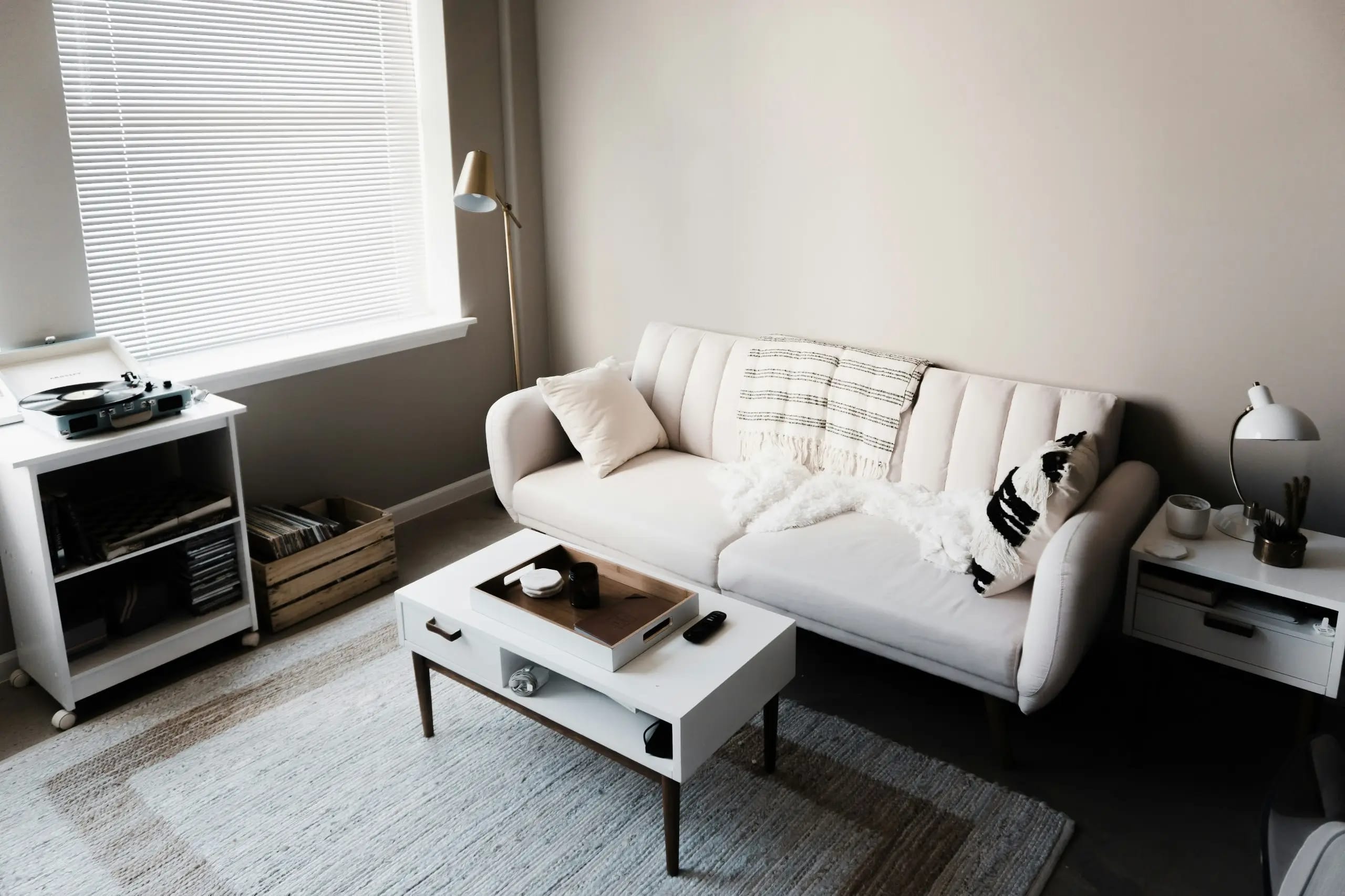
One of the easiest options is to place the router on an open shelf. The device remains accessible for maintenance, receives sufficient ventilation, and does not require any special construction.
Suitable locations include furniture shelving units, open living room cabinets, wall-mounted shelves, and purpose-designed niches without doors.
Advantages:
-
The signal travels without additional interference from furniture doors and panels.
-
The equipment is less likely to overheat because air can circulate freely.
-
The device is easy to access for restarting or replacing cables.
-
No separate technical structure is required.
-
The installation can be adapted to the interior design style.
Disadvantages:
-
The router remains visible.
-
Cables may disrupt the overall visual composition.
-
Dust accumulates on open surfaces.
-
Some models with multiple external antennas can be difficult to integrate into minimalist interiors.
To make this arrangement look neater, consider installing a concealed power outlet behind the furniture, using a cable management channel, or creating a dedicated opening in the back panel of the shelving unit. It is important to leave enough space around the device and avoid placing it directly against a wall.
An open shelf works particularly well in minimalist, Scandinavian, contemporary classic, and loft-style interiors.
Inside a Furniture Cabinet: How to Conceal Equipment Without Losing Functionality
Built-in wardrobes and furniture systems make it possible to hide numerous household items. For this reason, apartment owners often consider placing their router inside a cabinet in the living room, hallway, or home office.
This option can certainly help maintain a clean and uncluttered appearance. However, a standard closed cabinet is not always suitable for network equipment.
The main problems are restricted airflow and obstacles that interfere with radio signals. Metal enclosures, mirrored surfaces, and dense structures containing numerous technical components can be particularly problematic.
To ensure safe installation, it is advisable to provide:
-
A separate open or ventilated compartment.
-
Sufficient clearance around the device.
-
Openings that allow natural air circulation.
-
A power outlet inside the furniture structure.
-
Cable access for the internet connection and other connections.
-
Easy access to buttons, ports, and indicator lights.
If the cabinet has solid wooden or metal doors, the signal may become weaker. It is therefore better to include a separate open compartment or decorative ventilation panels.
Advantage: The equipment has virtually no impact on the room's appearance, while all cables can be neatly organized inside the furniture.
Disadvantage: Even a properly designed cabinet may reduce wireless coverage, especially if it is located in a corner of the apartment.
A Technical Niche in the Hallway: An Ideal Solution for Modern Apartments
The hallway often becomes the central location for various engineering and utility systems. Electrical cables, internet lines, alarm systems, and other connections frequently pass through this area. This makes a dedicated technical niche a convenient place for a router.
Such a niche can be incorporated into the interior design project from the beginning. For example, the equipment can be placed in a dedicated section of a built-in wardrobe or concealed behind a separate decorative panel.
This approach allows all communication equipment to be concentrated in one location without taking up space in living areas.
Advantages:
-
The router remains out of sight.
-
All cables can be organized in one technical compartment.
-
The equipment is easy to access for maintenance.
-
The niche can be coordinated with the furniture and wall finishes.
-
Additional home networking equipment can also be accommodated.
Disadvantages:
-
The hallway may not be located at the center of the apartment.
-
Load-bearing walls between the hallway and other rooms can weaken the signal.
-
An enclosed structure requires proper ventilation.
-
Additional space may be necessary if several network devices are installed.
Particular attention should be paid to the materials used for the decorative panel. Wood, MDF, and plasterboard generally create fewer problems for radio signals than metal structures. Nevertheless, even non-metallic materials can partially weaken the signal depending on their thickness, density, and internal composition.
Placing a Router Behind the TV: Attractive but Not Always Effective
Television areas often feature carefully planned cable management systems. Power outlets, HDMI connections, internet sockets, and other connections are usually positioned behind the screen or decorative wall panel. This makes the television area seem like a logical place for a router.
The device can be installed on a shelf inside the TV unit or in a dedicated open compartment within the furniture structure.
However, placing a router directly behind the television has certain limitations. A large screen, metal mounting brackets, and a dense decorative panel can interfere with signal propagation. There is also a risk of overheating if the device is placed in a confined space.
Advantages of this arrangement:
-
Power supply and the internet provider's cable can be connected easily.
-
The equipment can be concealed among other electronic devices.
-
Cables do not need to run across exposed wall surfaces.
-
Connecting the television via Ethernet is convenient.
Disadvantages:
-
The television and furniture may create signal obstacles.
-
The area often contains numerous electronic devices.
-
Heat may accumulate inside enclosed compartments.
-
The router may be positioned too low.
It is better to avoid placing the device directly behind the screen. Instead, consider an adjacent open compartment in the TV unit or a nearby shelf. This preserves the neat appearance of the television area while reducing unnecessary obstacles to the wireless signal.
A Router Above a Suspended Ceiling: Concealed Installation with Technical Limitations
Suspended ceilings make it possible to conceal ventilation ducts, cable routes, lighting fixtures, and other engineering components. This sometimes leads homeowners to consider installing a router above the ceiling, leaving only an inconspicuous housing or decorative element visible in the room.
However, this approach requires particularly careful planning.
First, the ceiling material must be taken into account. Plasterboard constructions generally do not create significant obstacles for Wi-Fi signals. In contrast, metal frameworks, foil-faced insulation materials, and other conductive elements can interfere with radio wave propagation.
Furthermore, the space above a suspended ceiling does not always provide sufficient ventilation. High temperatures, dust, and limited access to the equipment create additional risks.
Advantages:
-
The router is completely hidden from view.
-
Cables can be routed neatly.
-
No furniture space needs to be allocated to the device.
-
The solution works well with minimalist interiors.
Disadvantages:
-
Monitoring the equipment's condition becomes more difficult.
-
Overheating may occur.
-
Metal elements in the ceiling structure can weaken the signal.
-
A maintenance access panel is required.
-
Incorrect positioning can reduce Wi-Fi performance.
If this option is selected, it is preferable to provide a dedicated open mounting platform or a technical compartment with maintenance access. In some situations, installing a separate access point designed for ceiling mounting is a better solution than placing a conventional router above the ceiling.
Built-In Access Points in the Ceiling or Wall
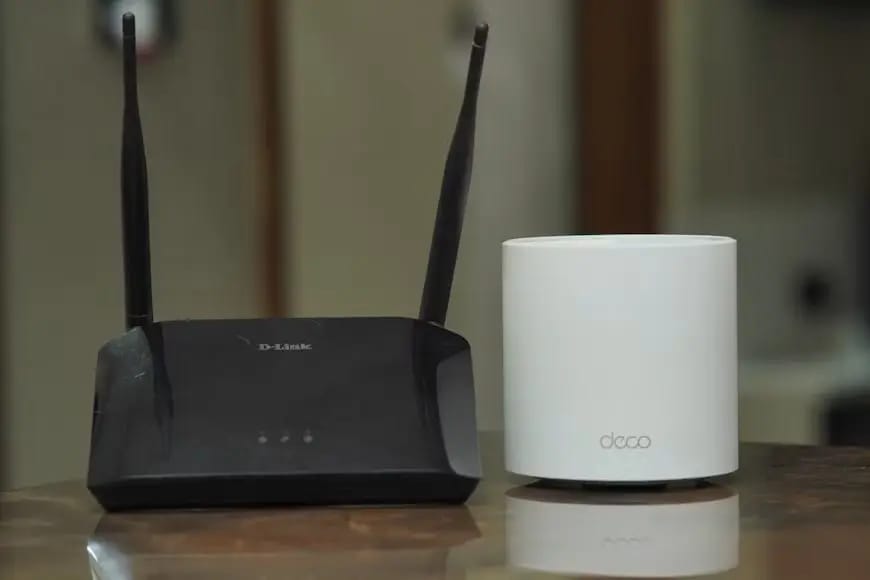
Modern Wi-Fi systems make it possible to move away from traditional routers with large antennas placed in visible locations. Instead, separate access points can be installed directly on ceilings or walls.
These devices often have discreet housings resembling small round light fixtures or decorative panels. They connect to the main network using an Ethernet cable and can receive power through Power over Ethernet (PoE), provided the equipment supports this technology.
Installing an access point on the ceiling offers an important advantage: the signal is distributed from an unobstructed position rather than from beneath furniture or a corner of the room.
In larger apartments, several access points can be installed to provide consistent coverage across different rooms.
Advantages:
-
Minimal impact on the interior design.
-
The ability to provide stable coverage in several areas.
-
No need to keep a router on furniture.
-
Neat connections through concealed cable routes.
-
Easy integration with a home network.
Disadvantages:
-
Ethernet cables must be installed in advance.
-
Installation requires proper assessment of the floor area and coverage requirements.
-
Additional equipment may be necessary.
-
Configuring the system is more complicated than connecting a single home router.
This solution is particularly suitable for large apartments, multi-level properties, and homes with complex layouts.
Placing a Router on an Open Surface in the Hallway
If an apartment has a relatively straightforward layout, the central part of the hallway can be a good location for a router.
The main requirement is to avoid placing the device behind several walls or inside a closed cabinet. An open shelf, a small console table, or a dedicated wall-mounted structure can provide sufficient space for the signal to spread.
This arrangement is particularly effective when the bedroom, living room, and home office are located around the hallway.
Advantages:
-
A central position helps distribute the signal more evenly.
-
Additional access points may not be necessary.
-
Cable connections are easy to organize.
-
The equipment remains accessible for maintenance.
Disadvantages:
-
The router remains visible.
-
A narrow hallway may limit installation options.
-
Positioning the device near an electrical distribution board or metal structures may be unsuitable.
When planning the installation, avoid placing the router next to large metal surfaces or dense technical structures.
A Router in a Storage Room or Walk-In Wardrobe: Is It Worth Using Utility Spaces?
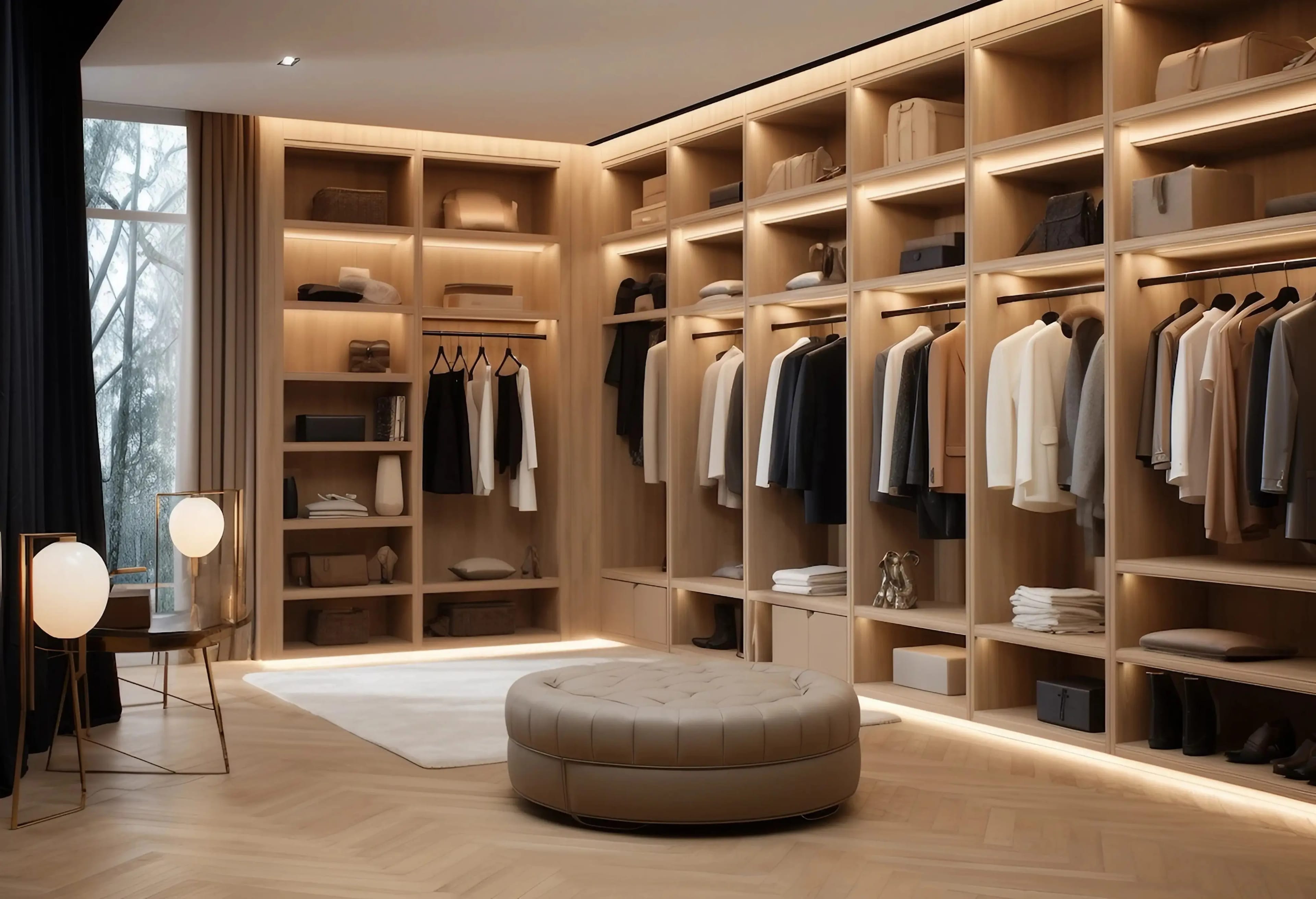
Storage rooms and walk-in wardrobes often seem like convenient locations for concealed equipment. Cables, network devices, and other technical components can be gathered in one place without taking up space in living areas.
However, this solution is practical only if the network is properly designed.
If the wardrobe is far from the center of the apartment and several load-bearing walls separate it from the living areas, the signal may become significantly weaker. Additional difficulties can arise in spaces containing numerous metal structures, mirrors, and densely arranged furniture.
To use such a space effectively, the following features should be included:
-
Ventilation for the technical compartment.
-
A sufficient number of power outlets.
-
Separate space for the router and network switch.
-
Cable entry points that allow future maintenance.
-
Enough free space for air circulation.
-
The possibility of running Ethernet cables to separate access points.
A storage room can be a suitable location for the main networking equipment if Wi-Fi coverage is provided by additional access points installed in individual rooms. This eliminates the need for a single device to provide coverage throughout the entire apartment through multiple walls.
Integrating a Router into Custom-Made Furniture
Custom furniture offers an opportunity to solve the equipment placement problem without compromising the interior design. When ordering a wardrobe, shelving unit, console, or TV cabinet, homeowners can include a dedicated technical compartment from the beginning.
The best solution is a separate section that remains hidden from direct view while providing adequate ventilation and allowing the wireless signal to pass through.
Perforated cabinet fronts, decorative slats, open side sections, and dedicated ventilation openings can all be used for this purpose.
It is important to ensure that the structure does not become an airtight enclosure. The router must be able to release heat, while the owner should have convenient access to its ports and buttons.
Advantages:
-
The structure can be fully coordinated with the interior design.
-
Cables and power adapters remain hidden.
-
The technical compartment can be made to individual dimensions.
-
Additional space can be provided for other networking equipment.
Disadvantages:
-
Technical requirements must be discussed with the furniture manufacturer in advance.
-
Incorrect material selection may weaken the signal.
-
Additional structural elements increase manufacturing complexity.
-
Changing the equipment location becomes more difficult once the furniture has been installed.
This option should be considered during the furniture design stage rather than after installation.
Comparing Different Router Placement Options
Each solution has its own characteristics. The choice depends on the apartment's floor area, layout, finishing materials, and aesthetic requirements.
| Installation location | Aesthetic appeal | Signal quality | Main limitations |
|---|---|---|---|
| Open shelf | Moderate | High with suitable positioning | Visible device and cables |
| Inside a cabinet | High | Moderate to low | Signal obstacles and overheating |
| Technical niche | High | Depends on location | Ventilation required |
| Behind the television | High | Moderate to low | Interference from the screen and furniture |
| Above a suspended ceiling | Very high | Unpredictable without testing | Temperature and accessibility |
| Ceiling-mounted access point | High | High with proper planning | Requires network cabling |
| Open surface in the hallway | Moderate | High when centrally positioned | Limited space |
| Storage room or walk-in wardrobe | Very high | Often insufficient for the entire apartment | Distance from living areas |
| Dedicated compartment in custom furniture | High | Depends on construction | Requires an individual design |
Places to Avoid When Installing a Router
Even if a particular location seems convenient from an interior design perspective, it may cause problems with internet performance. Therefore, both aesthetic considerations and technical limitations should be taken into account.
Avoid placing a router:
-
Inside a metal cabinet or electrical distribution board. A metal enclosure significantly blocks radio signals.
-
Directly on the floor. Furniture, household objects, and walls can create additional obstacles.
-
Next to a microwave oven. It can cause radio interference in the 2.4 GHz frequency band.
-
Inside an enclosed niche without ventilation. Overheating can lead to unstable device performance.
-
Behind a large mirror with a metallic coating. Such a surface may reflect or weaken radio waves.
-
In a bathroom. Humidity, condensation, and proximity to water create unfavorable conditions for electronic equipment.
-
In a distant corner of the apartment. This placement may leave some rooms without adequate wireless coverage.
The device should also be kept away from powerful sources of electromagnetic interference and large concentrations of metal structures.
How to Plan a Router Location During Modern Renovation Work
The best time to plan network equipment placement is before electrical installation begins. At this stage, it is still possible to change outlet positions, run cables inside walls, create technical niches, and coordinate them with future furniture.
Several aspects should be considered when developing the interior design project.
1. Identify the central point of the apartment.
Assess the layout of the living areas, wall thickness, load-bearing structures, and potential obstacles to Wi-Fi signals. A central location generally provides better coverage than placing the equipment in a distant corner.
2. Plan internet outlets.
Ethernet outlets should be installed in the home office, near the television, and in other areas where a stable connection is required. Wired connections reduce the load on the wireless network.
3. Route cables with future furniture placement in mind.
Cable outlets should not end up behind fixed furniture or in locations that will become inaccessible.
4. Plan ventilation.
A technical niche, cabinet, or furniture compartment must provide adequate heat dissipation. The router should never be concealed in an airtight space.
5. Allow for future network expansion.
In larger apartments, it is advisable to run Ethernet cables to potential locations for additional access points. This makes it possible to improve coverage later without removing finished surfaces.
During comprehensive planning, electrical installations, furniture, lighting, and engineering systems must be coordinated. More information about this approach can be found on the page dedicated to designer apartment renovation in Odesa.
Can a Mesh System Help When the Router Needs to Be Hidden?
In some apartments, even the correct placement of a single router does not provide complete coverage. This problem is particularly common in large properties, apartments with several bedrooms, homes with thick brick walls, and spaces with complex layouts.
In such cases, a Mesh system can be used. It consists of several network nodes that operate as a single wireless network. Devices automatically connect to the access point offering the most suitable signal conditions.
The main router can be placed in a technical niche or storage room, while additional nodes can be installed in open areas throughout the apartment.
The best results are usually achieved when Mesh nodes are connected through Ethernet cables. This arrangement is known as wired backhaul and helps avoid some of the speed losses associated with wireless communication between network nodes.
Advantages of a Mesh system:
-
More consistent coverage throughout large spaces.
-
The ability to conceal the main networking equipment.
-
Automatic switching of devices between nodes.
-
Flexibility when changing the layout or function of individual rooms.
-
The possibility of expanding the network.
However, Mesh technology does not eliminate every problem. If the nodes are positioned too far apart or several substantial obstacles separate them, connection quality will also deteriorate. Their placement must therefore be determined according to the apartment's actual layout.
Conclusion: How to Balance Interior Design and Wi-Fi Quality
It is entirely possible to hide a router from view while maintaining a reliable wireless connection. The key is not to treat the router as an ordinary household appliance that can simply be placed inside any available cabinet. Its location directly affects the performance of the home network.
For smaller apartments, an open shelf or centrally positioned technical niche is often sufficient. If homeowners want to conceal the equipment completely, a dedicated ventilated compartment inside custom furniture is worth considering. In larger properties, ceiling-mounted access points or a Mesh system with additional network nodes may provide a more effective solution.
The most important step is to plan all technical details before the finishing work is completed. This prevents the need to run cables across finished walls, modify furniture structures, or compromise between aesthetics and functionality.
A well-designed interior project should consider not only how the apartment will look after renovation but also how comfortable it will be to use every day. This is why router placement, internet outlets, and other network components should be included in the overall engineering plan. Examples of modern interior projects and practical recommendations can be found on the RSU Company Blog.